<5 min
Setup Time
Chicago-based s&box hosting with day-1 launch support, no RAM or CPU limits, and sub-user access for Facepunch's Source 2 sandbox.
Built in-house and included with every server. Here is what s&box owners get.
No upcharges for the features that actually matter.
New s&box updates and game modes are supported as soon as they ship.
Source 2's newer engine gets full, unrestricted access to server resources.
Layer 7 protection is included free on every s&box server, with an optional upgrade to Cosmic Guard's adaptive mitigation network for added protection.
Delegate console or restart access to trusted community members.
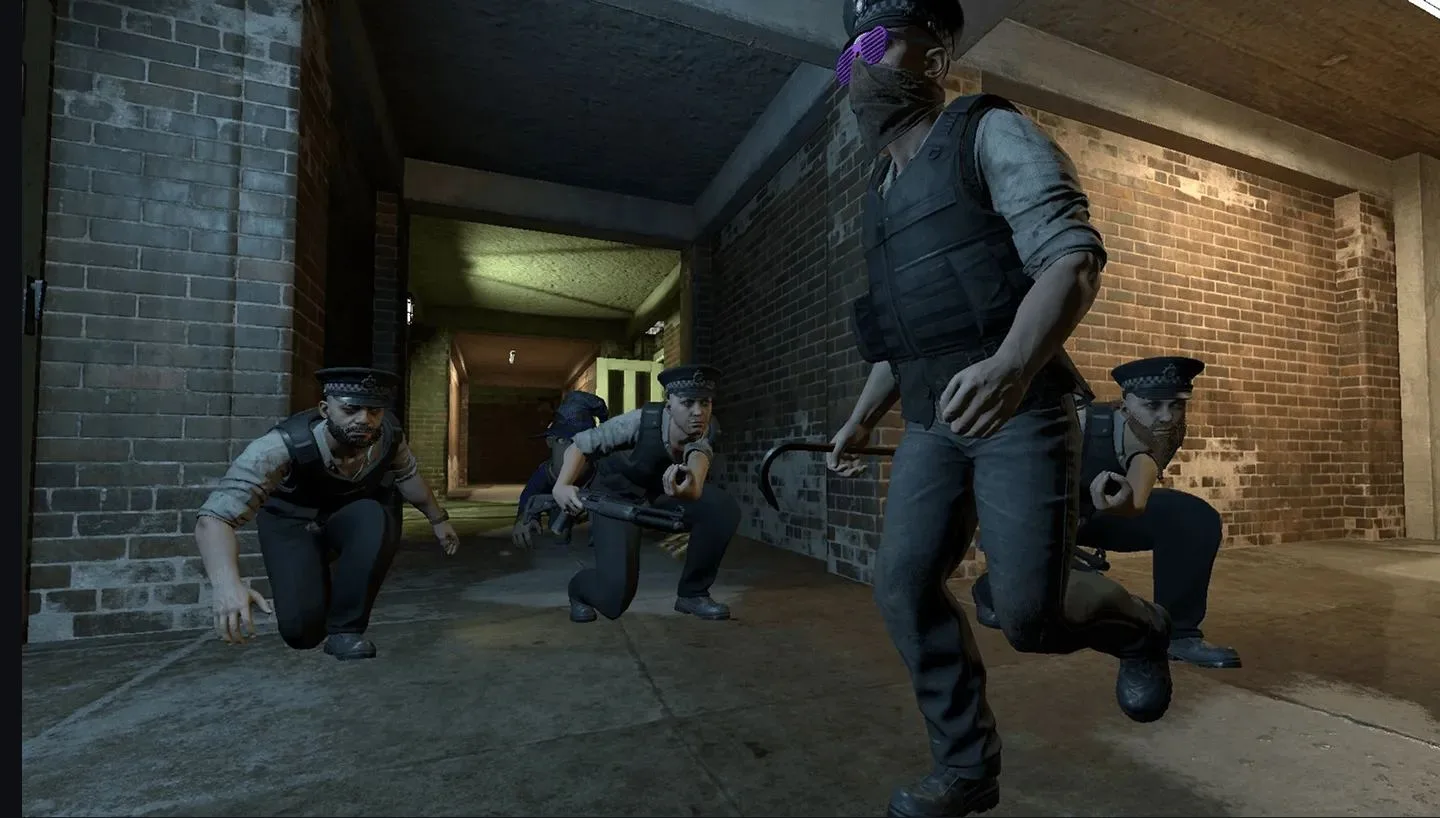
s&box is Facepunch Studios' spiritual successor to Garry's Mod, rebuilt from the ground up on Valve's Source 2 engine. It gives creators modern tooling for building game modes, maps, and tools with a much more powerful engine underneath.
As an early-access, actively evolving platform, ChicagoServers offers day-one hosting support for new s&box updates and game modes, with no RAM or CPU limits so your community isn't held back as the game continues to grow.
As Facepunch's from-scratch rebuild on Source 2, s&box replaces Garry's Mod's Lua scripting with a modern C#-based workflow — and because it's still actively evolving in early access, the platform itself changes fast, with new builds shipping frequently.
No asterisks, no upsells hidden behind a "premium" tier. This is what every plan gets, by default.
Instant setup, no CPU/RAM limits, 7-day money-back guarantee.
Getting your own s&box server running only takes two steps.
Pick your slot count and check out — no long-term contract, no setup fee.
Your server activates within minutes with Day 1 launch support and no CPU or RAM limits. Grab your connection details from your email or the control panel, and invite your friends.
Designed, engineered, and built entirely in-house — as intuitive as it is powerful. Secure SFTP file access, plus custom billing and live chat support that work together as one experience.
Yes, we provide day-1 support so new s&box releases and game modes work as soon as they're available.
No, s&box servers run without RAM or CPU limits.
Yes — 40Gbps of DDoS protection is included free on every server, automatically. Need more headroom against sophisticated Layer 7 attacks? A $15/mo upgrade scales your protection up to 12Tbps.
s&box hosting starts at $16/mo with free backups and full server control.
Order your s&box server now, backed by a 7-day money-back guarantee.
Not satisfied within the first 7 days? We offer a 100% refund. No special terms, no tricks.
Sold on our network but locked into another host? Send a copy of your last invoice via live chat or a ticket and we'll match their price.
Contact SalesCovers selecting and switching the active map on your s&box server through the control panel.
View Full ArticleShows how to pick and launch a specific game/gamemode on your s&box server.
View Full ArticleDetailed walkthroughs for setup, configuration and everyday admin tasks. See all s&box guides.
How an s&box dedicated server runs a game package, and how to set the name, game, map and token on the ChicagoServers panel and connect with a lobby ID.
Read the GuideHow package idents from sbox.game decide the game and map on an s&box dedicated server, how to switch them, and what to check when it does not work.
Read the GuideHow admin claims in config/users.json work, how kicking and banning is handled by game code, and fixes for common s&box dedicated server problems.
Read the GuideFree 24-hour trial. No credit card required. 7-day money-back guarantee.
Deploy s&box Now