<5 min
Setup Time
Chicago-based Minecraft (Java) hosting with unlimited player slots and every major framework: Forge, NeoForge, Fabric, Quilt, Paper and Purpur.
Unlimited players on every plan — pricing is based on RAM allocation only.
Unlimited players at every size.
Built in-house and included with every server. Here is what Minecraft owners get.

Run whichever server software your modpack or plugins need. Pick it in the control panel and switch whenever you like.
No upcharges for the features that actually matter.
Forge, NeoForge, Fabric, Quilt, Paper and Purpur all run on ChicagoServers. Switch between them from the control panel, or install a full CurseForge or Modrinth modpack in one click.
Automatic scheduled backups protect your world, so a bad plugin or griefer never costs you progress.
No artificial player caps — your server supports as many players as your allocated RAM can handle.
Day-one support for the newest Minecraft releases and popular modpacks like Chaos Cubed.
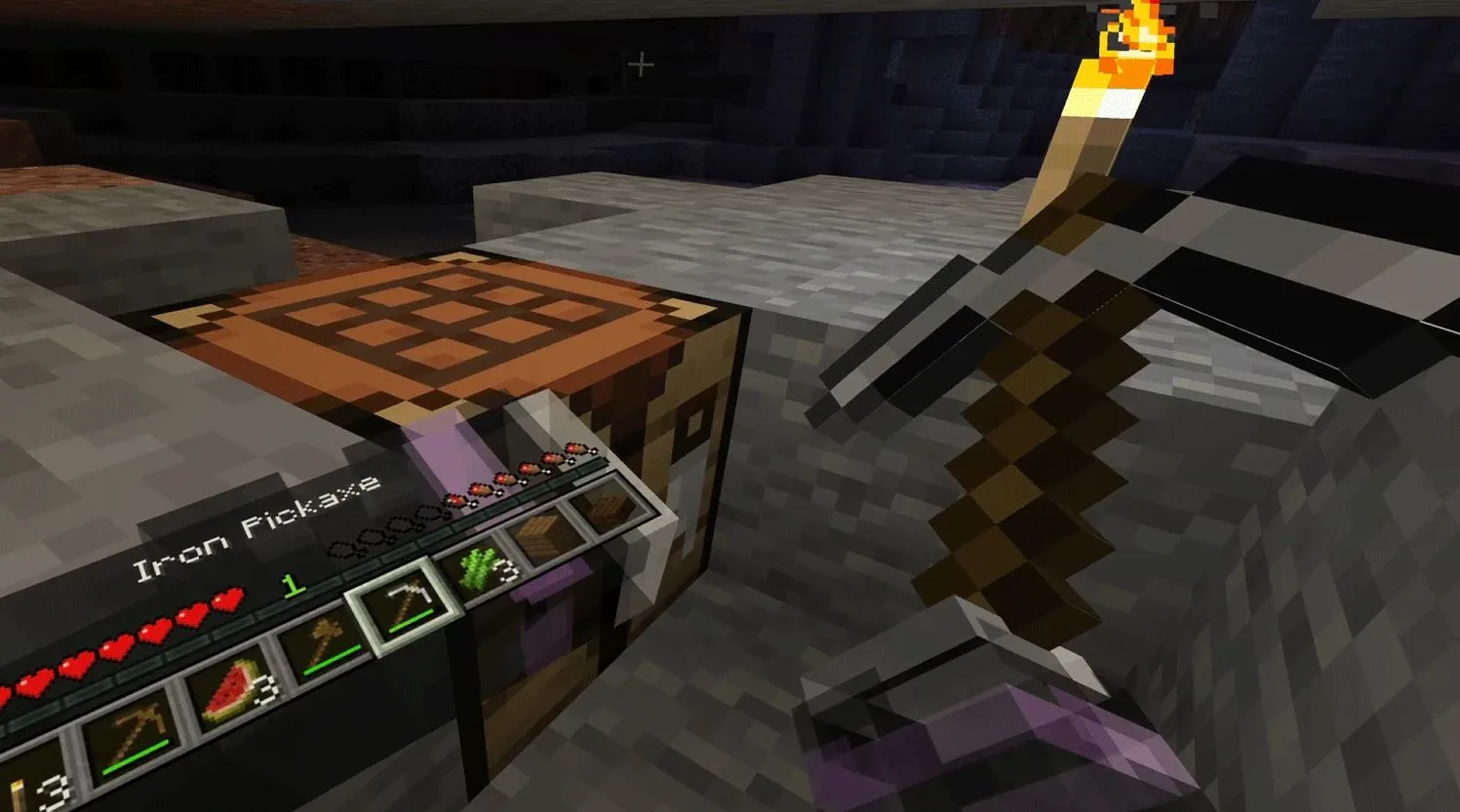
Minecraft is Mojang's sandbox building game, where players mine resources, craft tools, and build anything from small huts to sprawling redstone-powered cities — solo or with friends across a shared world.
ChicagoServers' Minecraft (Java Edition) hosting supports every major framework, including Forge, NeoForge, Fabric, Quilt, Paper and Purpur, plus CurseForge and Modrinth modpacks, with automatic world backups and unlimited player slots on every plan, so your server can grow from a handful of friends into a full community without switching hosts.
Minecraft's Java Edition sits at the center of the game's technical community — powering everything from vanilla survival worlds to sprawling modpacks on CurseForge and Modrinth, and plugin-driven servers built on Paper or Purpur. Whether you want Forge or NeoForge for big modpacks, Fabric or Quilt for lightweight mods, or Paper and Purpur for plugins, your server runs it.
No asterisks, no upsells hidden behind a "premium" tier. This is what every Minecraft plan gets, by default.

Instant setup, no CPU/RAM limits, 7-day money-back guarantee.
Getting your own Minecraft server running only takes two steps.
Pick your slot count and check out — no long-term contract, no setup fee.
Your server activates within minutes with unlimited player slots and support for Forge, NeoForge, Fabric, Quilt, Paper and Purpur. Grab your connection details from your email or the control panel, and invite your friends.
Designed, engineered, and built entirely in-house — as intuitive as it is powerful. Secure SFTP file access, plus custom billing and live chat support that work together as one experience.
All of the major ones: Forge, NeoForge, Fabric, Quilt, Paper and Purpur, as well as vanilla. You can switch between them from the control panel, and install CurseForge or Modrinth modpacks in one click.
Yes — search and install CurseForge and Modrinth modpacks directly from the control panel with one click.
No. All Minecraft plans include unlimited player slots; the only real constraint is the RAM you've allocated.
Minecraft is billed at $3 per GB of RAM per month, so you only pay for the resources your world actually needs.
Yes, free automated backups are included on every Minecraft plan so you can roll back after a bad update or griefing incident.
Order your Minecraft server now, backed by a 7-day money-back guarantee.
Not satisfied within the first 7 days? We offer a 100% refund. No special terms, no tricks.
Sold on our network but locked into another host? Send a copy of your last invoice via live chat or a ticket and we'll match their price.
Contact SalesStep-by-step guide to installing CurseForge modpacks on your server directly from the control panel, no manual file uploads required.
View Full ArticleCovers switching your server to a plugin-capable platform — Spigot, Paper, or CraftBukkit — so you can start installing plugins.
View Full ArticleDetailed walkthroughs for setup, configuration and everyday admin tasks. See all Minecraft guides.
RAM starting points for Minecraft Java servers by player count, plugins and modpacks, plus how view distance matters and when more RAM won't help.
Read the GuideHow to set up a modded Minecraft Java server with NeoForge, Forge or Fabric, match versions, handle client-only mods, run modpacks and fix crashes.
Read the GuideThe Minecraft Java server.properties settings that matter, with defaults checked against 26.3, plus the options that moved to game rules.
Read the GuideChoosing Minecraft server software: Vanilla, Paper, Spigot, Purpur, Fabric, Forge and NeoForge compared, plus the difference between plugins and mods.
Read the GuideSet a Minecraft Java server seed with level-seed before the world exists, find an existing seed with /seed, and reset to a new seed without losing your old world, with notes for 26.x folder layouts.
Read the GuideFix the "You are not white-listed on this server" message on Minecraft 26.3 and manage the whitelist, operators, permission levels and bans from the panel or the console.
Read the GuideHow to measure Minecraft server lag with TPS and MSPT, find the real cause with the spark profiler, and apply fixes in the order that helps most: distances, entities, hoppers, plugins, memory and CPU.
Read the GuideHow to back up a Minecraft Java server safely, what to include, how to use save-all flush, save-off and save-on for a manual copy, and how to restore or roll back to an earlier world on ChicagoServers.
Read the GuideA troubleshooting guide for a Minecraft Java server that will not start: how to read the console, then fixes for the EULA message, wrong Java version, port conflicts, running out of memory, corrupt worlds, and bad plugins, mods or datapacks.
Read the GuideHow to give players a custom resource pack when they join a Minecraft Java server: the server.properties keys, the direct-download link rule, how to get the SHA-1 hash, forcing the pack, and common reasons it does not load.
Read the GuideHow to use the Chunky plugin or mod to pre-generate a Minecraft server world before players explore it: installing it, choosing a shape and radius, matching the world border, running and pausing tasks, and covering the Nether and End.
Read the GuideA step-by-step guide to installing plugins on a Paper Minecraft server on ChicagoServers: choosing safe sources, uploading the jar, restarting, checking the plugin list, fixing plugins that do not load, and updating without breaking things.
Read the GuideHow to configure Paper's built-in anti-xray on a Minecraft server: where the config lives, the three engine modes, the recommended settings per dimension, the bypass permission, and the limits that no obfuscation can fix.
Read the GuideA guide to the performance-related options in Paper's world configuration, with their documented defaults: chunk unloading and saving, spawn limits, despawn ranges, collisions, tick rates, hoppers, redstone and explosions, plus how to change them without making things worse.
Read the GuideA guide to Paper's server-wide paper-global.yml: chunk loading and sending limits, chunk system threads, join throttling, the packet and spam limiters, proxy forwarding settings, the watchdog and player auto-save, with documented defaults and which options to leave alone.
Read the GuideA guide to moving an existing Minecraft world to Paper: which starting points are supported (vanilla yes, Spigot via vanilla, mods no), how to back up first, how the world is converted, and the documented steps for going from Paper back to vanilla.
Read the GuideA step-by-step update routine for Paper servers based on Paper's own documentation: what to back up, how the plugins update folder works, why the jar must be replaced while the server is stopped, why automatic updates are discouraged, and why you cannot downgrade a world.
Read the GuideA troubleshooting guide for Paper servers based on Paper's own documentation: where errors are logged, how to read a stack trace, how to find a faulty plugin by splitting plugins into groups, what common startup errors mean, and what a watchdog dump is.
Read the GuideA guide to Minecraft Java gamerules after the 1.21.11 rename: how to run /gamerule on a server, old-to-new name table, inverted and removed rules, defaults worth knowing, and the four server.properties lines that became rules.
Read the GuideA step-by-step guide to installing Geyser on a Paper or Spigot Minecraft server so Bedrock Edition players can join: the plugin install, the 19132 port, the config.yml bedrock section, Floodgate, supported platforms and known limits.
Read the GuideA troubleshooting guide for Geyser connection problems, based on GeyserMC's common-issues page: missing friends-list entry, Invalid IP address, Locating Server hang, bind errors, outdated client or server, EncryptionRequestPacket and Connection Refused.
Read the GuideA guide to installing Floodgate alongside Geyser: what it does, the Paper install steps, setting auth-type to floodgate, how the key.pem file works and why you should never share it, and the proxy and backend setup.
Read the GuideA guide to the Minecraft /worldborder command on a Java server: default size and center, set and add with a time, center, damage amount and buffer, warning distance and time, and sensible setups for survival servers.
Read the GuideA guide to Minecraft data packs on a server: what they can change, where to put them, what pack.mcmeta and pack_format do, the /datapack commands, reloading, load order and troubleshooting version warnings.
Read the GuideCalculators and generators that run in your browser, no sign-up needed. See all free tools.
Design a two-line server list message with colors, styles and a live preview.
Open the ToolMake a 64×64 server-icon.png from an image or from text and color.
Open the ToolConvert Overworld and Nether coordinates and check whether your portals link.
Open the ToolBlock-by-block circles and ellipses, filled or as rings, with a row guide.
Open the ToolLayer-by-layer plans for spheres, domes and ellipsoids, solid or hollow.
Open the ToolBuild /give commands with enchantments, names and lore for Java and Bedrock.
Open the ToolSet difficulty, whitelist, view distance and more, then copy or download a ready server.properties file.
Open the ToolTurn a list of usernames into whitelist, op and ban commands or JSON files, with online or offline UUIDs.
Open the ToolFree 24-hour trial. No credit card required. 7-day money-back guarantee.
Deploy Minecraft Now