<5 min
Setup Time
Chicago-based Hytale server hosting for friends, communities and modded worlds, with full SFTP file access, mod support and 40Gbps DDoS protection included.
Built in-house and included with every server. Here is what Hytale owners get.
No upcharges for the features that actually matter.
Edit config.json, permissions, your whitelist and ban list, and every other server file directly over SFTP.
Upload .zip or .jar mods to your server's mods folder over SFTP and restart to load them, so your world can run exactly the content your community wants.
Run a whitelist-only world for friends or an open community server, with permissions you control.
Layer 7 protection is included free on every Hytale server, with an optional upgrade to Cosmic Guard's adaptive mitigation network for added protection.
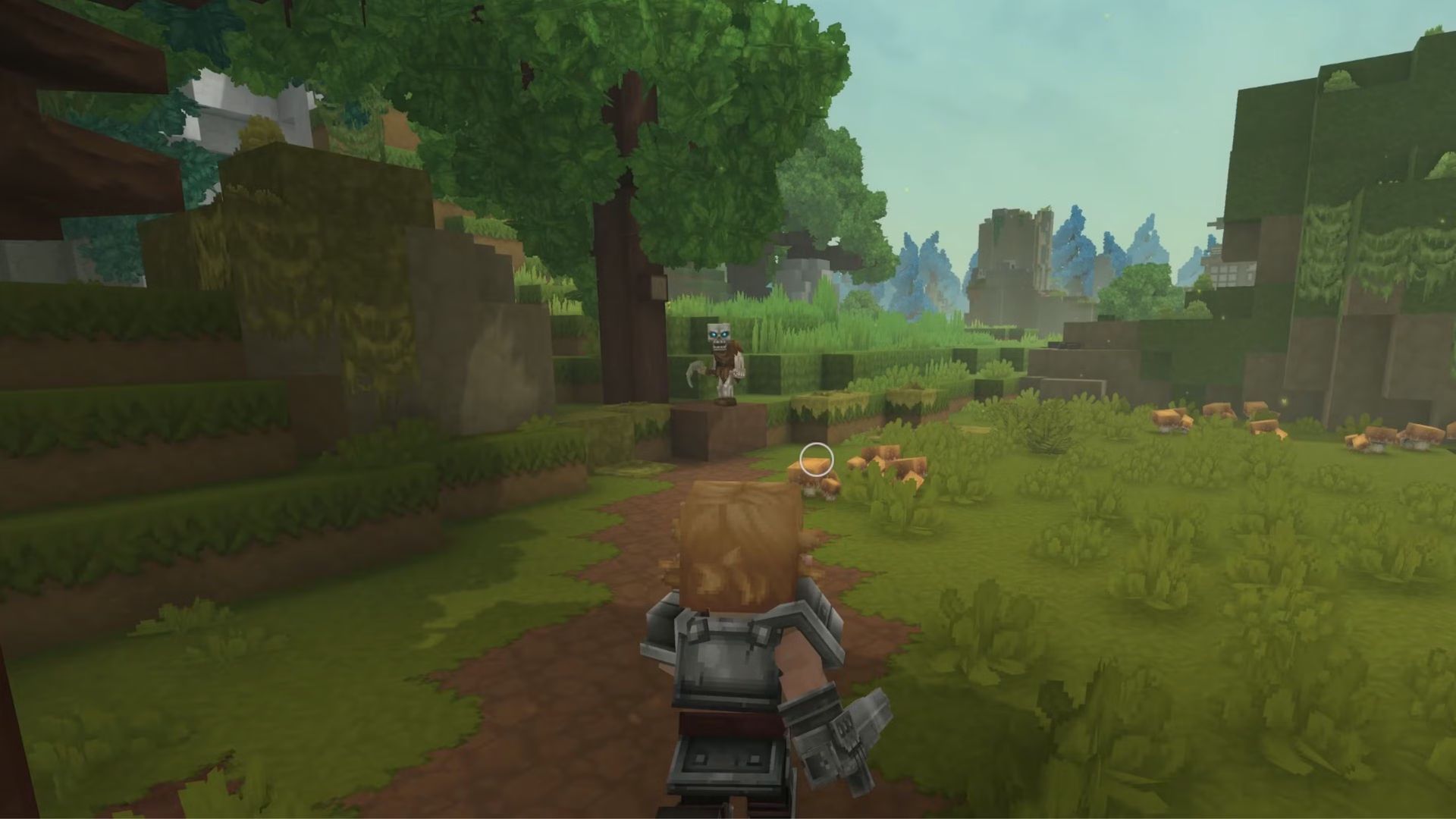
Hytale is Hypixel Studios' voxel sandbox adventure RPG, mixing block building, exploration, combat and minigames with a heavy focus on community creation and modding. It entered Early Access on January 13, 2026.
Hytale supports player-run dedicated servers, so you can host a private world for friends, a public community server or a heavily modded build with your own rules, whitelist and permissions. Servers run on Java 25, listen on UDP port 5520 over QUIC by default, and load mods placed in a mods folder.
ChicagoServers hosts Hytale on dedicated hardware in Chicago with free DDoS protection. Hytale requires each server to authenticate with a Hytale account, and our 24/7 support team can help if you get stuck. Because the game is in Early Access and updates often, it is worth making a backup before each update.
No asterisks, no upsells hidden behind a "premium" tier. This is what every plan gets, by default.

Instant setup, no CPU/RAM limits, 7-day money-back guarantee.
Getting your own Hytale server running only takes two steps.
Pick your slot count and check out — no long-term contract, no setup fee.
Your server activates within minutes with full SFTP access and mod support for your Hytale world. Grab your connection details from your email or the control panel, and invite your friends.
Designed, engineered, and built entirely in-house — as intuitive as it is powerful. Secure SFTP file access, plus custom billing and live chat support that work together as one experience.
Yes. Hytale has been in Early Access since January 13, 2026, and Hytale servers are available to order now with instant setup.
Yes. Hytale loads .zip and .jar mods from the server's mods folder. You have full SFTP access, so you can upload the mods you want and restart. Mods are third-party software, so check each one's own documentation and make sure it supports your server's game version.
Yes. Hytale requires each server to authenticate with a Hytale account, and players need the game to join. If you get stuck on authentication, our support team can help.
Hytale uses QUIC over UDP, with port 5520 as the default. Share your server's address and port with your players. You do not need to forward ports on a hosted server.
Yes. 40Gbps of DDoS protection is included free on every server, automatically. Need more headroom against sophisticated Layer 7 attacks? A $15/mo upgrade scales your protection up to 12Tbps.
Your Hytale server activates instantly after checkout, typically ready within minutes. Every server also includes a 7-day money-back guarantee.
Hytale hosting is $15/mo. Every plan includes free 40Gbps DDoS protection and a Price Lock, so your rate stays the same for as long as you keep the service.
Order your Hytale server now, backed by a 7-day money-back guarantee.
Not satisfied within the first 7 days? We offer a 100% refund. No special terms, no tricks.
Sold on our network but locked into another host? Send a copy of your last invoice via live chat or a ticket and we'll match their price.
Contact SalesDetailed walkthroughs for setup, configuration and everyday admin tasks. See all Hytale guides.
Requirements, getting the server files, the launch command, UDP port 5520 and QUIC, first start and authentication, connecting, version matching, and what changes on a hosted server.
Read the GuideWhy a Hytale server must be authenticated, the device login flow, the 900-second code window, the per-license server limit, what an unauthenticated server looks like, and how to fix common failures.
Read the GuideWhat each Hytale server file controls, why edits made while the server runs can be overwritten, and a safe stop, edit, start routine you can follow in the panel or over SFTP.
Read the GuideHow client and server versions must match, what each /update command does, how patchlines and HYTALE_DISABLE_UPDATES work, how to back up first, and what to check when players cannot join after an update.
Read the GuideWhere to find Hytale server mods, how to install and verify them, what to check for client and server compatibility, how to remove a mod that breaks startup, and how to stay safe while Hytale is in Early Access.
Read the GuideHow the Hytale server's permissions.json, whitelist.json and bans.json fit together, how to make yourself an operator, run a whitelist without locking yourself out, handle bans, and give a moderator limited access.
Read the GuideHow Hytale server resource use works according to the official manual, the 12-chunk view distance recommendation, JVM memory flags and the AOT cache, and a practical routine for diagnosing and reducing lag from the ChicagoServers panel.
Read the GuideWhat to back up on a Hytale server, how to use the Backups tab and Schedules, how the --backup launch flags work, and how to upload a single-player or existing world or move one between hosts safely.
Read the GuideFree 24-hour trial. No credit card required. 7-day money-back guarantee.
Deploy Hytale Now