<5 min
Setup Time
Chicago-based Counter-Strike 2 server hosting for scrims, community servers and casual lobbies, with instant setup and 40Gbps DDoS protection included.
Built in-house and included with every server. Here is what Counter-Strike 2 owners get.
No upcharges for the features that actually matter.
Run Competitive, Casual, Wingman, Arms Race or Deathmatch, and switch modes and maps whenever your community wants a change.
Edit server.cfg, game mode configs, map cycles and any plugins you choose to run, directly over SFTP.
Run the official map pool or load Steam Workshop maps for custom scrim, surf, bhop or aim-training servers.
Layer 7 protection is included free, with an optional upgrade to Cosmic Guard's adaptive mitigation network for added protection.
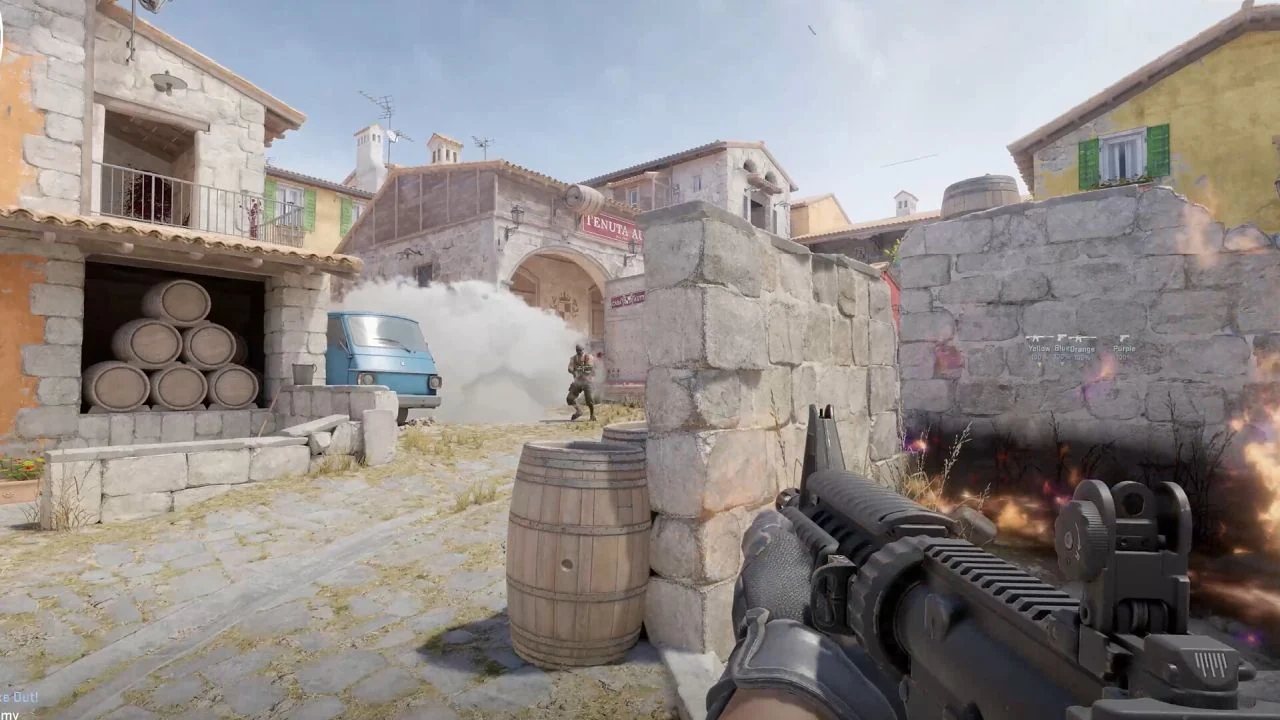
Counter-Strike 2 is Valve's free-to-play tactical first-person shooter, released in September 2023 as the successor to Counter-Strike: Global Offensive. Built on the Source 2 engine, it keeps the classic round-based bomb defusal formula and adds sub-tick networking, smoke grenades that react to gunfire and explosions, and rebuilt maps.
Valve supports community-run dedicated servers for CS2, so you can host your own match server with your own rules, map rotation and player list instead of relying only on matchmaking. That makes a rented server the usual choice for team scrims, practice servers, community Deathmatch and Casual lobbies, and custom game types.
ChicagoServers hosts Counter-Strike 2 dedicated servers on dedicated hardware in Chicago with free DDoS protection, which matters because competitive shooters are frequent attack targets. Like any public CS2 community server, yours needs a Game Server Login Token (GSLT) from Valve, which you generate for free on your own Steam account.
No asterisks, no upsells hidden behind a "premium" tier. This is what every plan gets, by default.

Instant setup, no CPU/RAM limits, 7-day money-back guarantee.
Getting your own Counter-Strike 2 server running only takes two steps.
Pick your slot count and check out — no long-term contract, no setup fee.
Your server activates within minutes with every official game mode supported and full SFTP access to your configs. Grab your connection details from your email or the control panel, and invite your friends.
Designed, engineered, and built entirely in-house — as intuitive as it is powerful. Secure SFTP file access, plus custom billing and live chat support that work together as one experience.
CS2 dedicated servers support Competitive, Casual, Wingman, Arms Race and Deathmatch, and you choose the mode, map and settings for your server. You can change them whenever you like.
Yes. Valve requires a GSLT for CS2 community servers to appear in the server browser and accept public connections. You can generate one for free at steamcommunity.com/dev/managegameservers using App ID 730, then add it to your server's launch settings. The token is tied to your Steam account, so keep it private.
Yes. You have full SFTP access to your server files, so you can upload community plugin frameworks such as Metamod:Source and CounterStrikeSharp along with the plugins you want to run. Plugins are third-party software, so check each one's own documentation.
Yes. CS2 servers can load Workshop maps, so you can run community maps alongside the official map pool.
Yes. 40Gbps of DDoS protection is included free on every server, automatically. Need more headroom against sophisticated Layer 7 attacks? A $15/mo upgrade scales your protection up to 12Tbps.
Your Counter-Strike 2 server activates instantly after checkout, typically ready within minutes. Every server also includes a 7-day money-back guarantee.
Counter-Strike 2 hosting is $15/mo. Every plan includes free backups, free 40Gbps DDoS protection and a Price Lock, so your rate stays the same for as long as you keep the service.
Order your Counter-Strike 2 server now, backed by a 7-day money-back guarantee.
Not satisfied within the first 7 days? We offer a 100% refund. No special terms, no tricks.
Sold on our network but locked into another host? Send a copy of your last invoice via live chat or a ticket and we'll match their price.
Contact SalesDetailed walkthroughs for setup, configuration and everyday admin tasks. See all Counter-Strike 2 guides.
A step-by-step walkthrough for setting up a CS2 dedicated server in the ChicagoServers panel: Startup fields, login token, ports, updates and the usual first-run fixes.
Read the GuideWhat a CS2 Game Server Login Token is, who can create one, how to enter it in the ChicagoServers panel, and what to do when a token is missing, expired, banned or shared by mistake.
Read the GuideHow server.cfg, the game_type and game_mode pairs, gamemode override files, mapgroups and the main cvars fit together on a CS2 dedicated server, with Valve's shipped defaults and where each lives in the ChicagoServers panel.
Read the GuideHow to install Metamod:Source and CounterStrikeSharp on a ChicagoServers CS2 server from the Updates tab, add plugins, verify them with console commands and handle update compatibility and troubleshooting.
Read the GuideHow to set the RCON password for a CS2 server in the ChicagoServers panel, use the Console tab or an RCON client, run the admin commands the game offers natively, and what needs a plugin.
Read the GuideHow to load single Workshop maps and whole collections on a ChicagoServers CS2 server, rotate between them, and troubleshoot downloads and loading problems.
Read the GuideWhat tick rate, sub-tick, server FPS, ping and packet loss mean on a CS2 dedicated server, how to measure them, and how to troubleshoot lag by symptom.
Read the GuideA guide to installing the MatchZy plugin on a CS2 server for scrims, pugs and matches: what it does, the CounterStrikeSharp v369 and .NET 10 requirement, upload steps on the Files tab, verification commands and the config files it creates.
Read the GuideA guide to MatchZy match configuration: the required JSON fields (maplist, team1, team2, num_maps), players by SteamID64, veto and side options, cvars limits, how to load a match from a file or URL, and the limits the docs list.
Read the GuideA command reference for MatchZy practice mode on a CS2 server: starting and leaving practice, spawns, bots, grenade history and lineups, utility toggles, and the admin match-flow commands, with prefix rules and the admin requirement.
Read the GuideA configuration guide for MatchZy: setting up admins.json, database.json for SQLite or MySQL, whitelist.cfg, demo recording and upload, the default values of the main convars, stats tables and the CSV output, and reloading config.
Read the GuideFree 24-hour trial. No credit card required. 7-day money-back guarantee.
Deploy Counter-Strike 2 Now