
- Sign in to the control panel at panel.chicagoservers.co and open your Minecraft server.
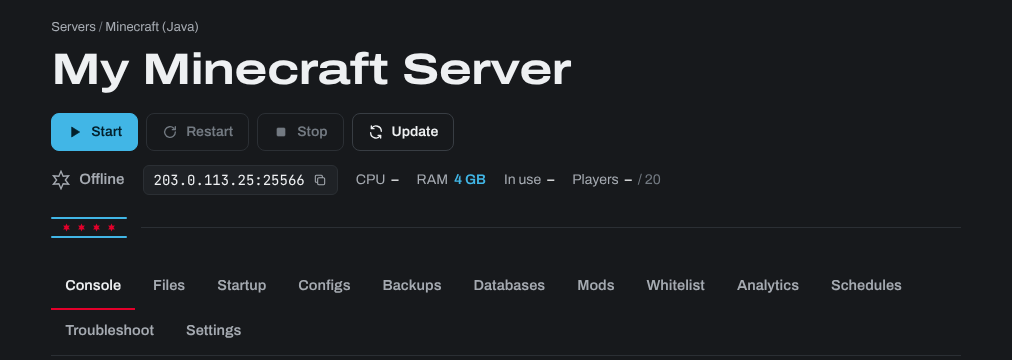
- Copy its address (IP and port) at the top of the page: click it to copy it. Keep the port: for example
203.0.113.25:25566. - Open Minecraft: Java Edition, click Multiplayer, then Add Server.
- Paste the address into Server Address, give it a name, and click Done.
- Double click your server in the list to join.
Your players need the same Minecraft version as the server (or the same modpack, for a modded server). The version the server runs is shown on its Mods tab. Can't join? Check the server is started, and see (Disconnected) Connection Refused: no further information.
Need help? Open a support ticket and we'll take a look.