
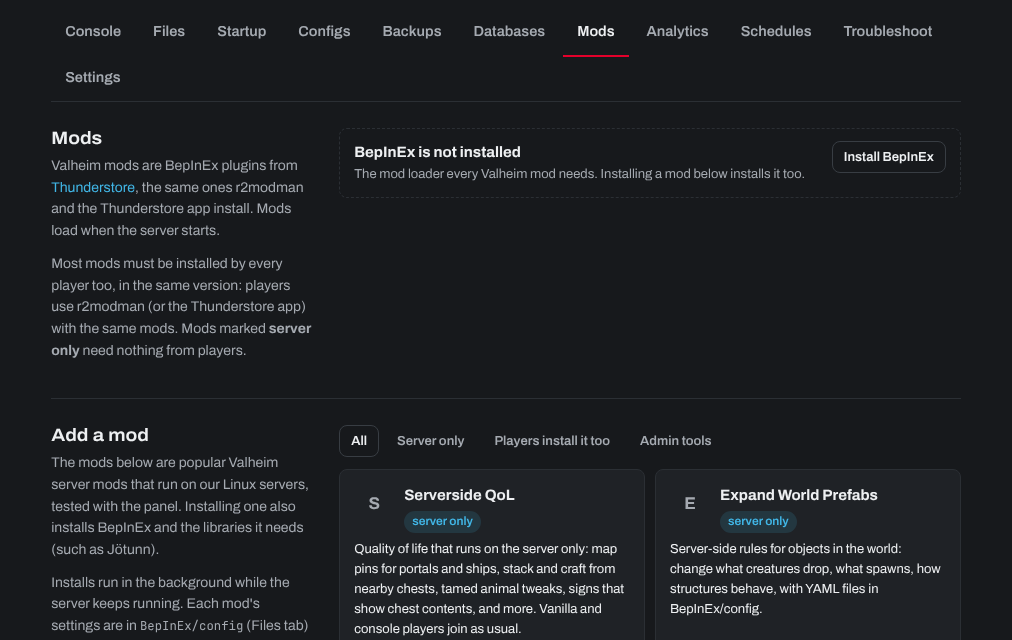
Valheim Plus installs with one click from the control panel's Mods tab:
- Sign in to the control panel at panel.chicagoservers.co and open your Valheim server.
- Open the Mods tab. Under Add a mod, find Valheim Plus and click Install. BepInEx, the mod loader it needs, is installed with it.
- Click Restart at the top of the page. Mods load when the server starts.
Valheim Plus's settings are in its config file, BepInEx/config/org.bepinex.plugins.valheim_plus.cfg, which appears after the server has started with it once. Open it on the Files tab, change what you like, save, and restart the server.
Every player needs Valheim Plus in their own game too: see Do I need to install Valheim Plus on my PC's game too?
Need help? Open a support ticket and we'll take a look.