
Your Rust server's name, description, website and header image are on the Startup tab of your server in the control panel.
- Sign in to the control panel at panel.chicagoservers.co and open your Rust server.
- Open the Startup tab and change Server name. This is the name players see in the in-game server browser.
- Click Save startup, then Restart at the top of the page.
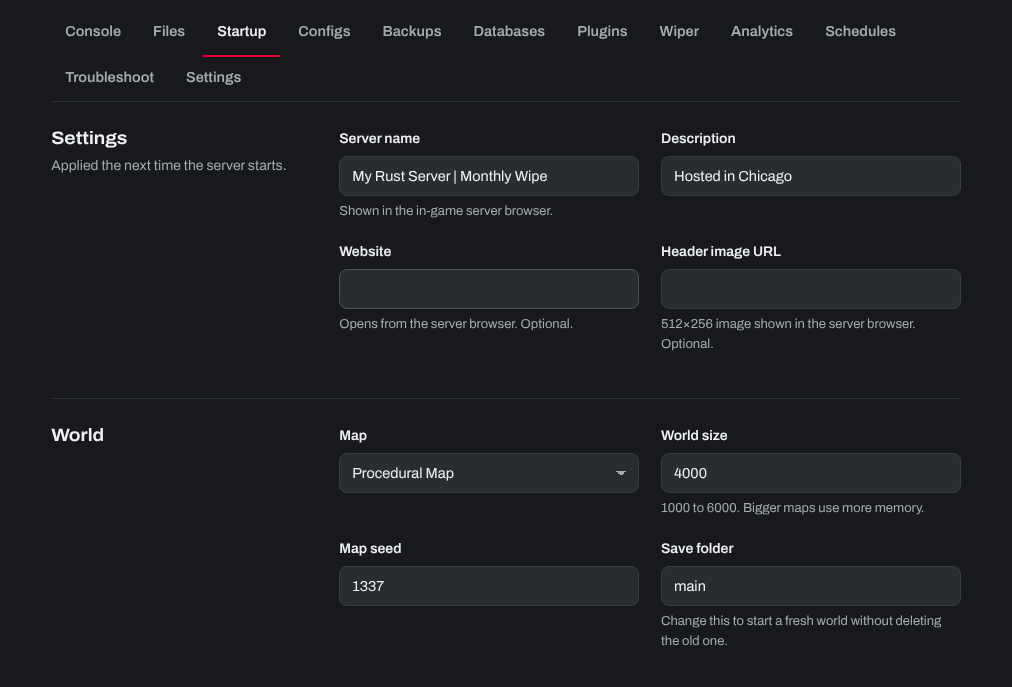
The map, world size, seed and other options are on the same tab. For more, see How can I change my Rust server seed, RCON password, and other options?
Need help? Open a support ticket and we'll take a look.