
How to connect to your Satisfactory server
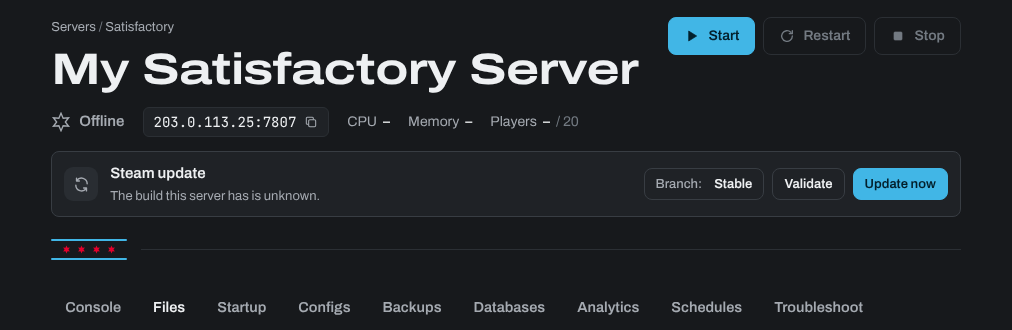
- Sign in to the control panel at panel.chicagoservers.co and open your Satisfactory server. Its address (IP and port) is at the top of the page: click it to copy it (for example
203.0.113.25:7777).
- Open the game and go to Server Manager in the main menu, as pictured below (not Join Game).

- Click Add Server, paste in the IP and port, then click Confirm.

- If you see the security certificate warning below, click Confirm. Your server uses its own certificate, so this is expected.

- The first time anyone connects, they claim the server: they give it a name and set its admin password. Whoever claims it becomes its admin, so do this as soon as your server is ready. Then create a new game on the server, or load a save (see How to Upload an Existing World to Your Satisfactory Server).
- Click Join in the lower right corner.

Other players
Other players add your server the same way, under Server Manager. If you set a player password in the server's settings in Server Manager, they need it to join.
Lost the admin password?
- Sign in to the control panel at panel.chicagoservers.co and open your Satisfactory server. Click Stop.
- Open the Files tab, go to
SaveGames/serverand deleteServerSettings.PORT.sav, where PORT is the port in your server's address (for exampleServerSettings.7777.sav). Your saves aren't touched. - Click Start and claim the server again in the game. This also resets the server's name, player password and the save it loads by itself, so load your save again under Manage Saves.
Need help? Open a support ticket and we'll take a look.