
Here's how to join your Arma Reforger server.
Step 1: Find your server's address
Sign in to the control panel at panel.chicagoservers.co and open your Arma Reforger server. Its address (IP and port) is at the top of the page: click it to copy it.
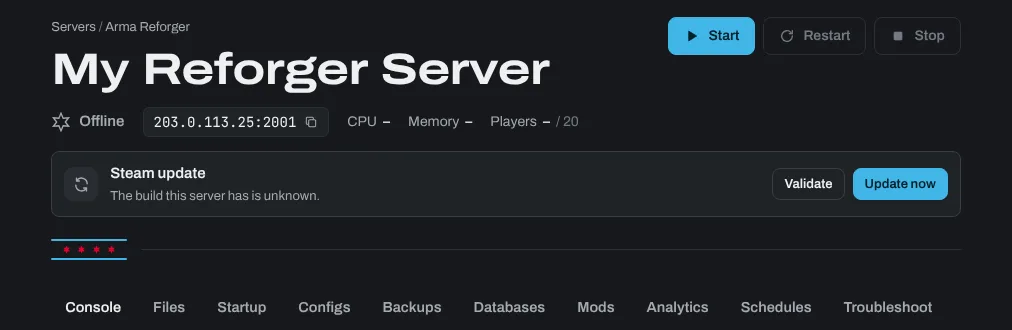
Step 2: Join from the game
- Launch Arma Reforger and click Multiplayer.
- Find your server by its name in the server browser, or click Direct Join and enter the address from the control panel.
- If your server has a join password, enter it when asked.
If your server doesn't show in the browser, check that Show in server browser is on, on the Startup tab. Console players can only join with Crossplay (Xbox and PlayStation) on: see How to make your ARMA Reforger Crossplay Enabled.
If your server uses mods, the game downloads them as you join. That can take a while the first time.
Need help? Open a support ticket and we'll take a look.