
Setting a server admin password
- Sign in to the control panel at panel.chicagoservers.co and open your Palworld server.
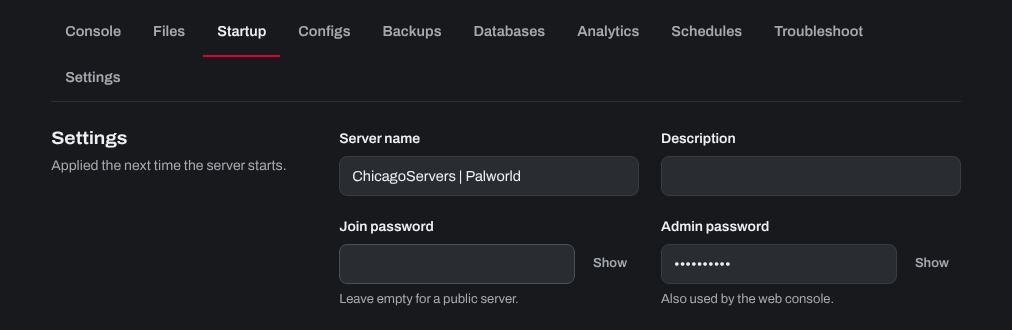
- Open the Startup tab and type the password you want in Admin password, at least 6 characters (click Show to see the current one). The Console tab uses the same password to send commands.
- Click Save startup, then Restart at the top of the page.
Logging in as admin in the game
- Join your server and press Enter to open the chat.
- Type
/AdminPassword, a space and your admin password, with no brackets. For example, if your password isMyPass123, type/AdminPassword MyPass123.

You may need to do this again each time you join. For the commands you can use, see What admin commands can I use in my Palworld server?.
Need help? Open a support ticket and we'll take a look.